Avatar / Profile Picture
If the user is specified as a staff member, then the user’s profile picture can be seen in the upper-right corner of the page.
How to upload images
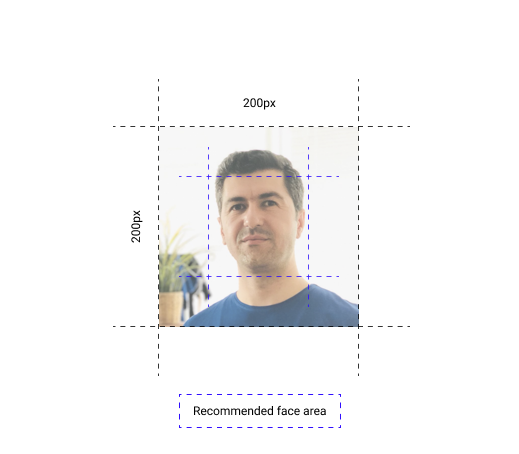
While uploading the profile picture, try to adjust the image as it is shown in the following example to get the best result:
Where will they be used
The profile picture will be seen during the projects, educations, and any other events that contain personal information of the staff.
Security
Profile pictures are being classified as Personal Information, and saved in an encrypted form which does not contain any accessible URL.